
How to Search Sherburne County Civil Dockets
Minnesota Court Records Online Case Search goes by MCRO. That tool is the main online route to a Sherburne County civil docket. Pick the Civil category first. You can layer in a complete case number. Add an allowed party or business name, an attorney or bar number, a filing-date range, a case status, and the court location. Name searches offer exact, wildcard, and Sounds Like modes. One caution: exact-name and Sounds Like will not run together. Run two searches when spelling is in doubt.
With a known case or citation number, type it whole, no spaces. Set the court location to Sherburne to keep results county-focused. Before opening Case Events, check the case title. Also check the date filed, case type, venue, status, and judicial officer. Remember what MCRO is. It is an unofficial public-access tool, not a filing system. A downloaded item is not automatically a certified court copy.
- Open MCRO Case Search and select Civil as the case category when the category is known.
- Use the complete case number, a permitted party or business name, or an attorney search.
- Set Sherburne County as the court location and add status or filing-date filters only when helpful.
- Open Case Details, then read Case Events as the Register of Actions.
- Contact Sherburne County Court Administration if a courthouse terminal, inspection, or certified record is needed.
Sherburne Civil Docket Document Routes
Finding a case and finding a document are different jobs. MCRO Document Search takes a complete case number. It returns only public documents posted online. For context around those papers, Case Details lays out the event sequence. Civil documents filed on or after July 1, 2015 fall within its general coverage. Access restrictions and case-type exceptions still apply. Anything older or restricted may take a call to the local court. The civil docket itself may still be fully visible. The official MCRO Document Search screen is a case-number route, not a party-name document index.
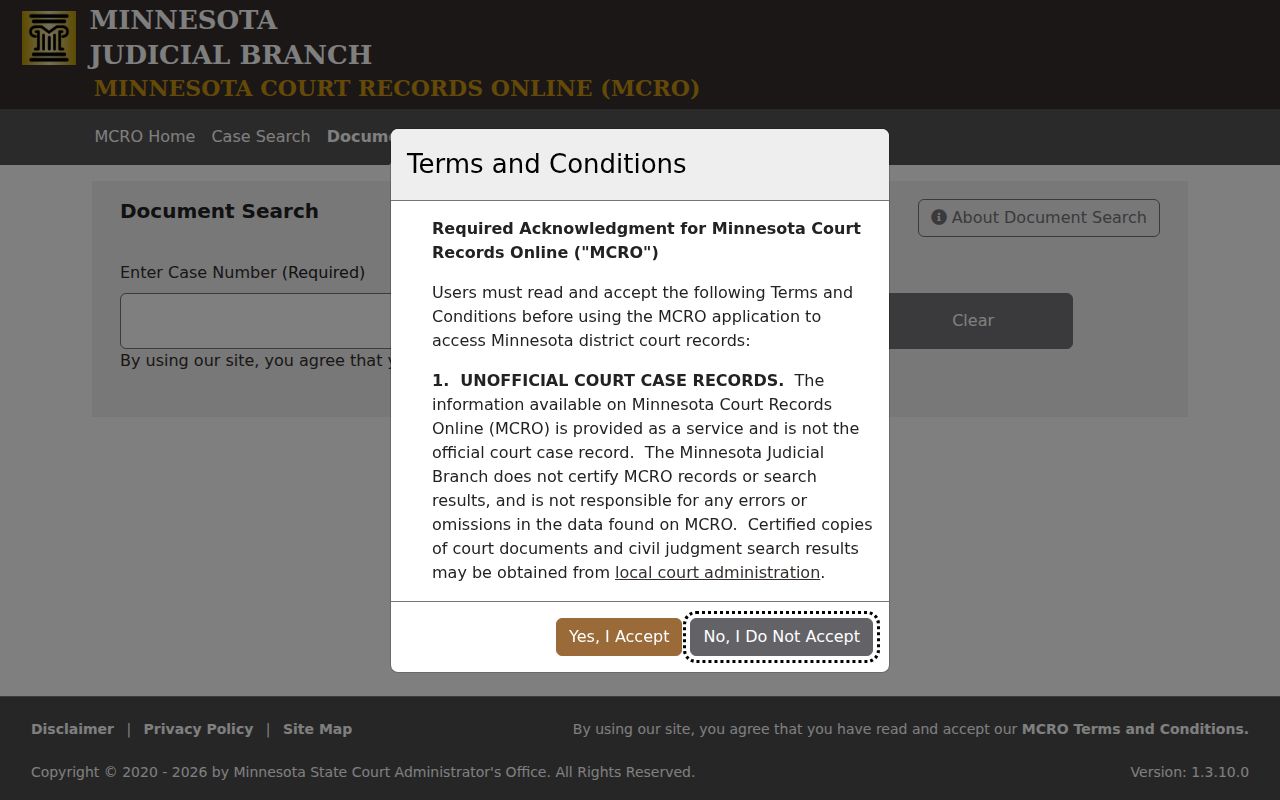
Use the full case number. That keeps a Sherburne County civil docket document search tied to one court file. For filing or serving papers rather than viewing them, Minnesota eFile and eServe works only with authorization. That system is not the public civil-docket reader. It does not replace MCRO, courthouse terminal access, or a record request.
What a Civil Docket Shows
Read the civil Case Details screen before the Register of Actions. It identifies the record you are dealing with. Expect the case number and the title or style. The same screen lists case type, date filed, court location, judicial officer, status, flags, related cases, and party and attorney areas. Case Events carry the running history. A public document link may sit next to an event. But a filing, an order, a calendar setting, and a judgment each mean something different.
| Case header | Case number, title or style, type, date filed, Sherburne court location, judicial officer, and Open or Closed status. |
|---|---|
| Parties and counsel | Case-associated party and attorney information, subject to the public-access rules and protected-data limits. |
| Case Events | The Register of Actions showing claims, answers, motions, hearings, orders, and other recorded activity in time order. |
| Hearing setting | A scheduled date and type. It is not proof that the hearing occurred or a ruling was issued. |
| Judgment information | A recorded court adjudication or money obligation. A later satisfaction can change its status. |
Note: A calendar label or filing entry is not a result. Read the actual order or a later event first.
Sherburne Civil Docket Judgment Search
Docketed money judgments get their own route in MCRO Judgment Search. Debtor fields cover people and businesses. Name options include exact, wildcard, and Sounds Like. Docketed-date filters and All, Active, or Inactive status are also there, run statewide or in a selected county. Results can open into judgment details and satisfaction information. Read a status or satisfaction entry in the record's own terms. It describes that entry, not the whole case. The official Judgment Search interface shows the debtor, date, status, and location controls. That is what this narrower civil-record task uses.
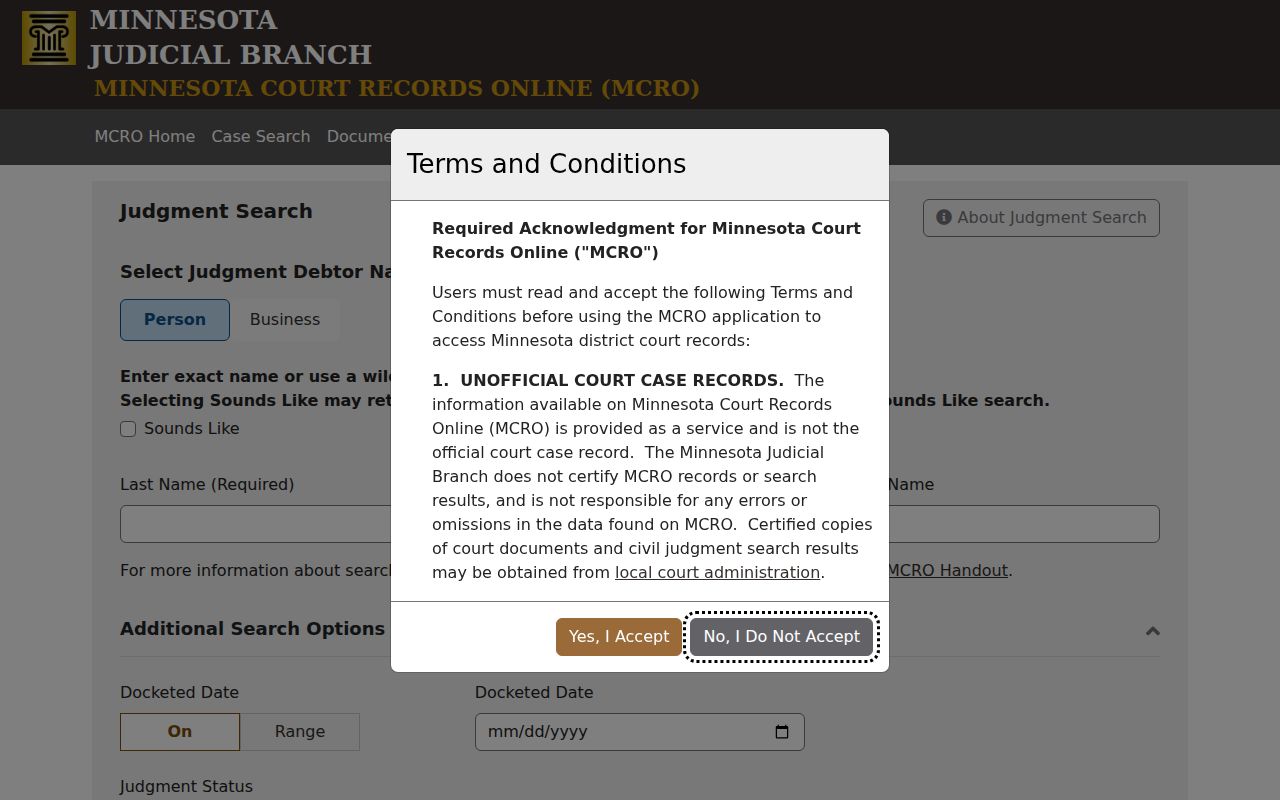
Note: Judgment Search supplements a Sherburne County civil docket search. It does not replace the Register of Actions or the local custodian of the court records.
Types of Civil Cases on the Docket
Sherburne County District Court manages civil cases. It holds their public records, subject to access rules. MCRO sorts records in broad groups; Case Details narrows to a specific case type. Civil matters may involve claims, answers, motions, orders, judgments, and financial information where available. Conciliation Court is not a separate municipal court here. It is a District Court division. An appeal from a conciliation judgment goes to District Court for a new trial.
| Civil docket item | What the record can show |
|---|---|
| Filed paper | A claim, answer, motion, or other recorded submission, not necessarily a court ruling. |
| Order | A court-entered action that should be read for its exact effect. |
| Hearing setting | A scheduled event such as a motion, default, case-management, trial, or review hearing. |
| Judgment and satisfaction | A court adjudication or money obligation and, where docketed, a later satisfaction entry. |
Sherburne Civil Docket Hearing Labels
Local calendar entries have shown labels such as Motion Hearing, Default Hearing, Initial Case Management Conference, Court Trial, Eviction Hearing, Jury Trial, and Review Hearing. Treat these as hearing labels only. They are not case classifications, and they are not decisions. An Eviction Hearing line means a hearing is scheduled under that label, nothing more. It says nothing about the court's result. It does not reveal a party's position. It does not tell you whether a later entry changed the setting.
The docket and the calendar answer different questions. A filed date belongs to the case record; a hearing date belongs to the schedule. The Register of Actions shows recorded past activity. The live court calendar and Hearing Search cover what is still to come. A case number is the safest bridge between them.
Note: Settings can change. Use the current calendar and Court Administration to verify a courtroom, judge, or time.
Settings and Hearings on Civil Dockets
A setting on a Sherburne County civil docket is simply a court event on the schedule. It is not a result. The daily calendar for Sherburne County lists each hearing with its date, time, courtroom, judicial officer, hearing type, connection type, and case number. Locations run from Court Room 1 through Court Room 4. Zoom is listed for some settings.
A Zoom or connection entry is only a scheduling clue. It is not an invitation to appear remotely. It does not guarantee remote access is allowed. Minnesota's hearing rules let the default vary by case type. Judges can deviate too.
Need a live date? Check the county's daily calendar or MCRO Hearing Search. Then confirm the case number and setting with Court Administration whenever a change would matter. The Sherburne County Court Calendar page covers the hourly PDF schedule and the calendar displays posted in the building.
Sherburne Civil Docket Copy Costs
Sherburne's District Court fee table splits filing fees from copy and certification charges. Among the civil filing examples: a first paper costs $320, built from a $310 base fee plus a $10 law-library component. A jury demand runs $420. A motion or response is $100, a subpoena $16, and a writ $55.
Those figures are current-table examples. They are not a promise of what every civil matter will cost, so confirm the effective fee before you file anything with the clerk. The Sherburne District Court fee table is the official source, and it shows the full schedule of charges.
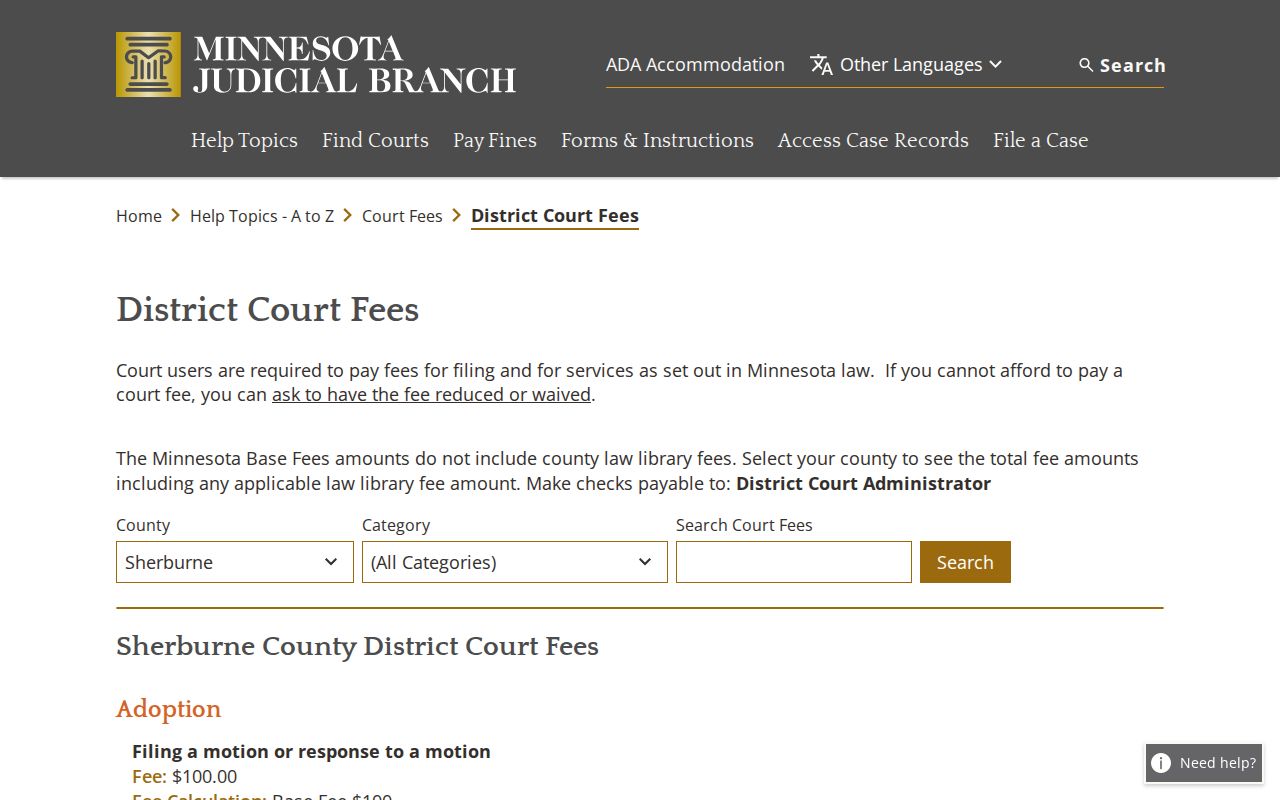
The table draws a clear line. Filing charges stand apart from the records costs you pay when requesting a civil docket copy or a copy of a document.
| Civil record item | Current local example |
|---|---|
| In-person plain copy | No fee listed on the Sherburne-specific records page. |
| Certified civil or criminal instrument | $14 on the current local fee table. |
| Certified scan or screenprint | $14 where listed, including specified scan or case-management screenprint items. |
| Older or off-site file | May take longer; confirm availability and current charges with Court Administration. |
Note: Fees can change. Check the official fee table before sending any payment.
Public Access to Civil Dockets
Public access does not put every civil attachment on your screen. Minnesota Public Access Rule 8 restricts the remote display of protected identifiers and controls how records may be inspected and copied. A visible docket result can also be narrowed by sealed orders, restricted case types, redactions, old or off-site files, and limits on which documents are covered at all.
Court Administration holds the local record and can explain the proper inspection or copy route. For a fuller public electronic view of a Sherburne County civil docket, use the statewide courthouse terminal system. The same restrictions still apply there. The official court copy-request information spells out the difference among plain, certified, and exemplified copies.
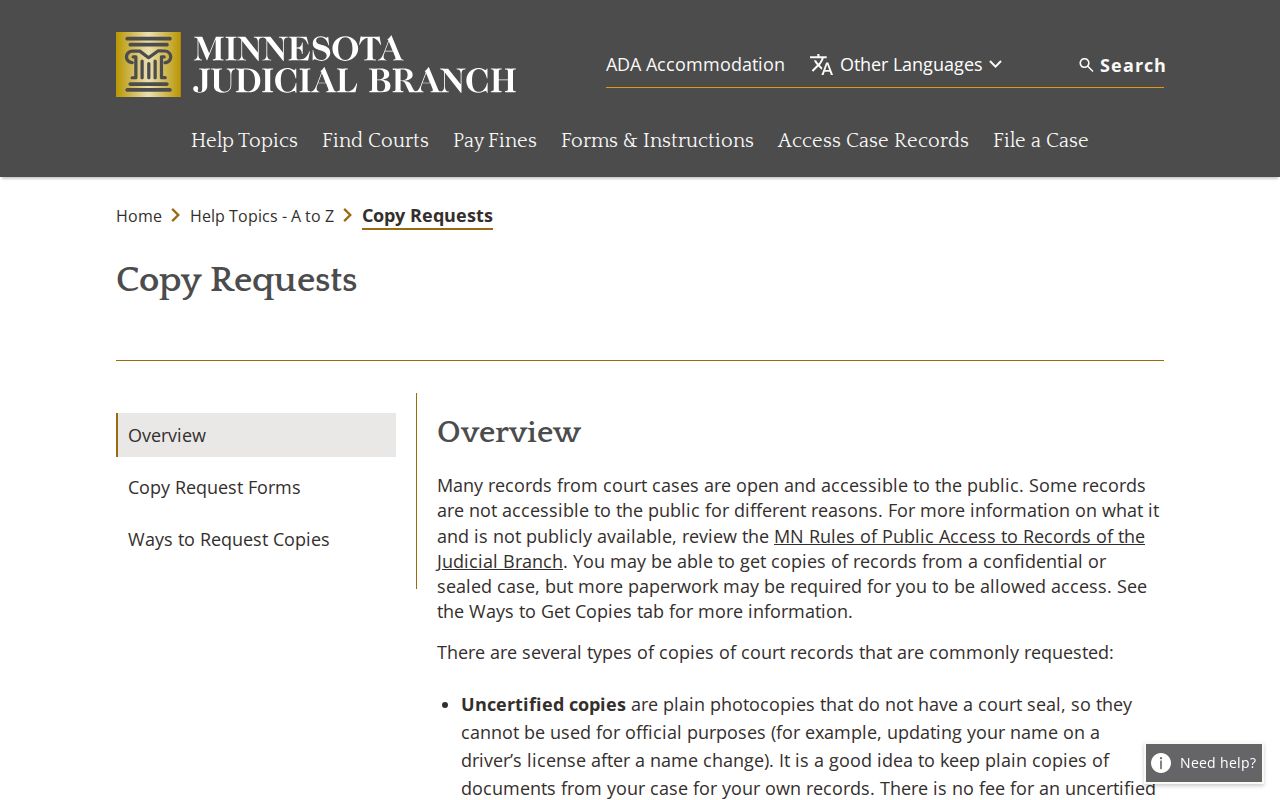
Some civil records simply are not available remotely. When that happens, or when you need an authenticated copy, file the request at the courthouse or send it by mail.
Sherburne Civil Docket Local Requests
Sherburne County Court Administration sits at 13880 Business Center Drive NW, Suite 100, Elk River, MN 55330. The local phone line is 763-284-7140. The office handles records, scheduling, fees, and case administration for the county District Court. By mail, send the case name, the file number if you have it, the specific document, your return name and address, a daytime phone, and full payment by check.
Sherburne's instructions say to allow five days. Multiple items, off-site material, and microfilm can stretch that timeline. County Chapter 13 data-request channels cover county administrative data only. They do not replace a District Court file request. That request goes through MCRO, a courthouse public-access terminal, Court Administration by phone or at the counter, or the court's mail route. The office is open Monday through Friday, 8:00 a.m. to 4:30 p.m.
Sherburne County Court Administration
13880 Business Center Drive NW, Suite 100
Elk River, MN 55330
763-284-7140
Local case records, scheduling, copies, and court-file questions.
Note: Name the specific record you want. Ask for that document rather than a newly created docket report.