
The Sherburne County Court Calendar
The Sherburne District Court daily calendar is the place to check courtroom hearings. It comes out as a searchable PDF. The Judicial Branch posts it around 7:00 a.m. on business days. It also refreshes the calendar each hour. Not every daily matter shows up, though. Confidential cases and matters closed to remote access can be left off. So a blank line does not mean a hearing was cancelled. Think of the calendar as a scheduling tool. The MCRO Register of Actions is what actually holds the filings, orders, and other case events.
Have a current case number handy when you open the PDF. Searching by name alone can miss things. It can also pull up personal details that nobody needs republished. For changes touching a case, judge, or courtroom, Court Administration can confirm what stands.
Sherburne County Daily Calendar Timing
That hourly refresh cycle matters more than it sounds. A PDF saved early in the morning can miss an afternoon switch of judge, courtroom, or setting time. Inside the courthouse, the official local court information points to lobby and outside-courtroom electronic displays. Those screens are the most current view. So the daily calendar works well before you arrive. For a same-day change, the courthouse screens and Court Administration beat any saved copy.
The county's own Sherburne County Judicial Services hub ties the hearing schedule to the county office. That office supports court operations.
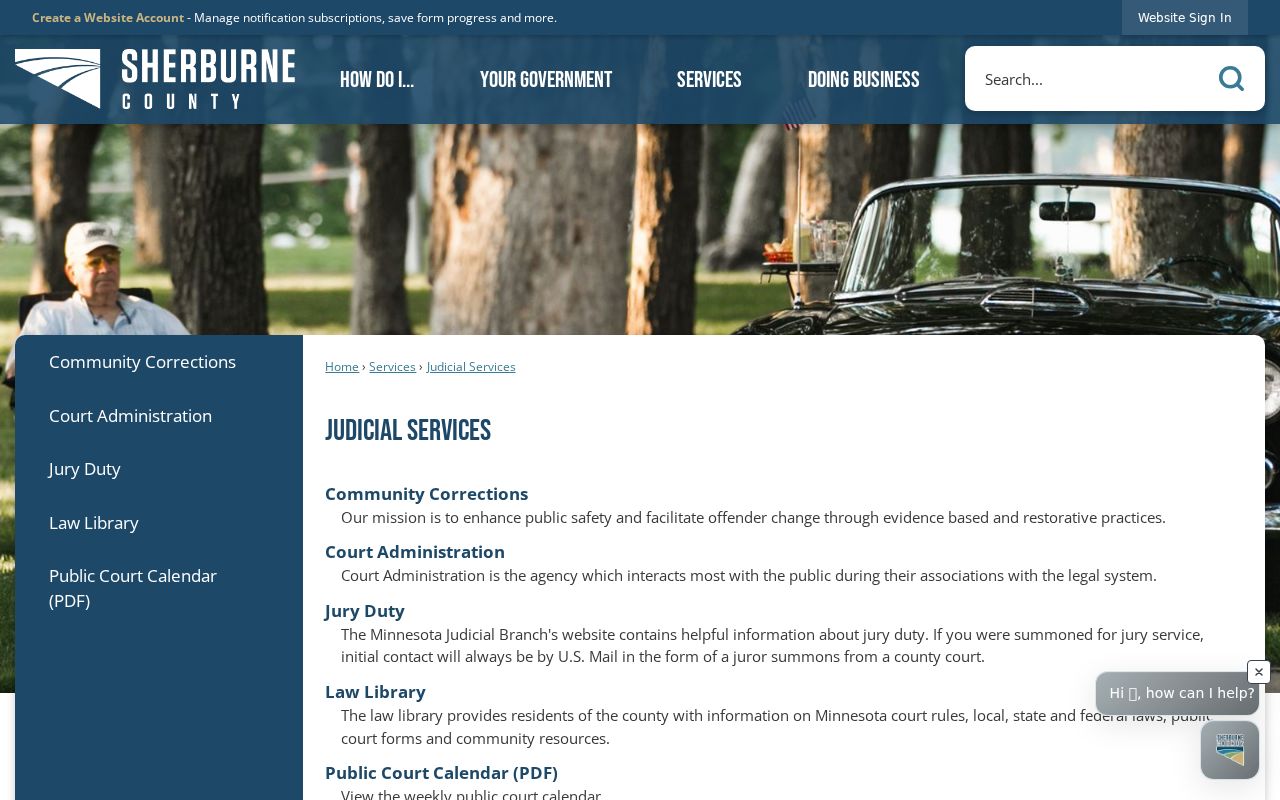
Court Administration services and electronic calendar displays sit inside the building, so a calendar lookup can continue at the courthouse when that helps.
Note: When a hearing date matters, open a fresh official calendar rather than trusting an old downloaded copy.
How to Find Your Court Date
Work from what you already know. A case number gives the strongest link. It works across the daily calendar, MCRO Hearing Search, and Case Details. No number? A permitted search may still pin down the setting. You can search by name, citation number, attorney, or judicial officer. When the online record runs thin, the Sherburne County court office confirms things locally. Checking a date takes no certified record. Still, a calendar line is never a substitute for an official notice. It never replaces a direct instruction from the court either.
- Open the official daily calendar PDF and search for a known case number.
- Use MCRO Hearing Search for a scheduled hearing by permitted name, case number, attorney, judicial officer, date, category, or Sherburne location.
- Open MCRO Case Details for the Register of Actions and case information that relate to the setting.
- Call Sherburne County Court Administration at 763-284-7140 for a case-specific confirmation when a setting is unclear or has changed.
- Visit the Court Administration counter or use Minnesota Public Access Courthouse terminals during regular hours if public online access is incomplete.
- At the courthouse, check the lobby or outside-courtroom electronic displays, identified by the local court as the most current in-building calendar view.
The County Court Administration office sits at 13880 Business Center Drive NW, Suite 100, Elk River, MN 55330. Published hours run Monday through Friday, 8:00 a.m. to 4:30 p.m. Morning court check-in starts at 8:00 a.m. Afternoon check-in begins at 1:00 p.m.
Sherburne County Hearing Search
MCRO Hearing Search picks up where the daily PDF stops short. It covers scheduled hearings, not a complete history of every court contact. The form allows searches by person or business name, case number, judicial officer, or attorney. You can also search by exact or ranged hearing date, case category, and statewide or county-specific location. Choose Sherburne when the question concerns a local District Court setting. Then check any result against Case Details and the current daily calendar before relying on it.
The official Hearing Search interface lays out those scheduling fields. It displays no calendar party rows.
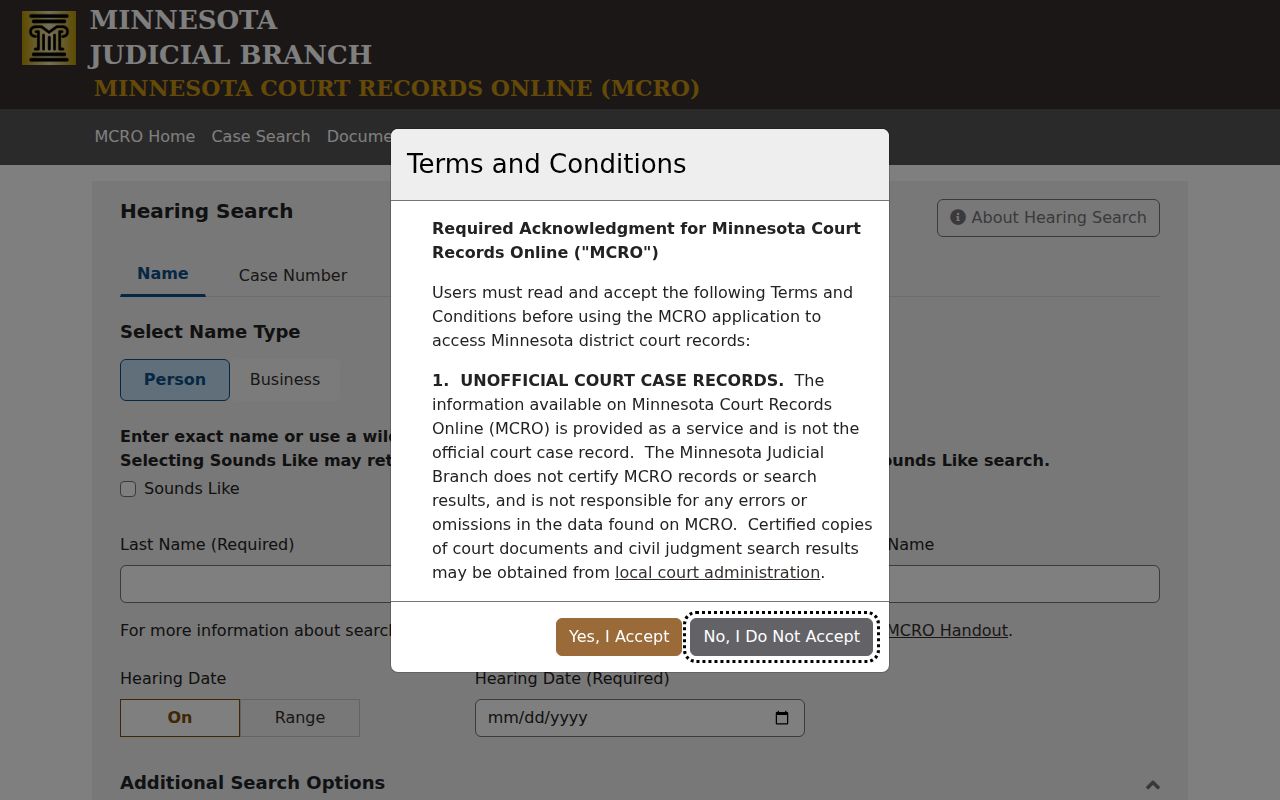
The interface supports a focused Sherburne County court calendar lookup, while the case record itself supplies the wider docket context.
Reading a Court Setting
A calendar row identifies a schedule. It does not settle a case. The official PDF has carried these fields: Party Name, Hearing Location, Hearing Date, Time, Judicial Officer, Hearing Type, Connection Type, and Case Number. A party name or connection label is no reason to republish private case information. Use the case number instead to open the court record. That confirms the setting belongs to the right case.
| Hearing date and time | The scheduled time for the listed setting, subject to later changes. |
|---|---|
| Hearing location | Observed values include Court Room 1, Court Room 2, Court Room 3, Court Room 4, and Zoom. |
| Judicial officer | The judge or referee shown for the listed setting, which can change with the schedule. |
| Hearing type | A scheduled label such as motion, arraignment, review, trial, sentencing, or case-management conference. |
| Connection type | A participation or connection label, not a guarantee of public access or remote appearance. |
| Case number | The court-assigned identifier that connects the calendar row to MCRO Case Details. |
Sherburne County Court Setting Locations
Sherburne hearing locations have included Court Room 1 through Court Room 4 and Zoom. A Zoom entry means the hearing carries a remote-connection value in the calendar. That is all it means. It supplies no public link and sets no participant instructions. It also overrides nothing in a court notice. Minnesota's statewide hearing framework took effect February 3, 2025. Default hearing mode now varies by case type, and judges may depart from the default.
Connection types in the calendar have included Defendant, Attorney, Petitioner, Respondent, Plaintiff, and Decedent. Each label names a role or connection designation. It is not an outcome, not a notice, and not an invitation to join remotely. Ask Court Administration about a current setting. Do not infer access from a location or connection field.
- Setting
- A scheduled court event at a stated date, time, location, and hearing type.
- Register of Actions
- MCRO's chronological court event record for a case, including filings, orders, hearings, and recorded activity.
- Hearing type
- The calendar's label for the scheduled proceeding, not its result.
- Connection type
- A calendar participation label that does not guarantee remote access.
Resets, Continuances, and Cancellations
Dates move. A reset or continuance shifts a hearing to a new time, while a cancellation can wipe a listing off the calendar entirely. Sherburne County's daily calendar shifts by the hour. The Judicial Branch cautions that judges, courtrooms, and case settings can all change without notice. Sometimes a case is missing for another reason. It may be confidential or closed to remote view, so an old PDF or a blank row proves nothing about whether a setting is still live.
Check MCRO Hearing Search first. Cross-check the daily PDF and the case's Register of Actions. When the timing truly matters, call Court Administration rather than guessing. The Sherburne County criminal docket page draws the same line between a criminal calendar label and the disposition or order the record shows later.
Sherburne County Calendar Access Routes
Two layers of access exist. Online, MCRO and the daily PDF are public. The courthouse layer adds more. Minnesota Public Access Courthouse terminals, known as MNPAC, give the fuller public electronic view statewide, while paper files stay at the local courthouse. A terminal helps when a court record is not available remotely. Even so, it cannot overcome a sealing order, a confidentiality rule, or a protected-data limitation. The Minnesota Judicial Branch public-access guidance lays out the courthouse-terminal route in detail.
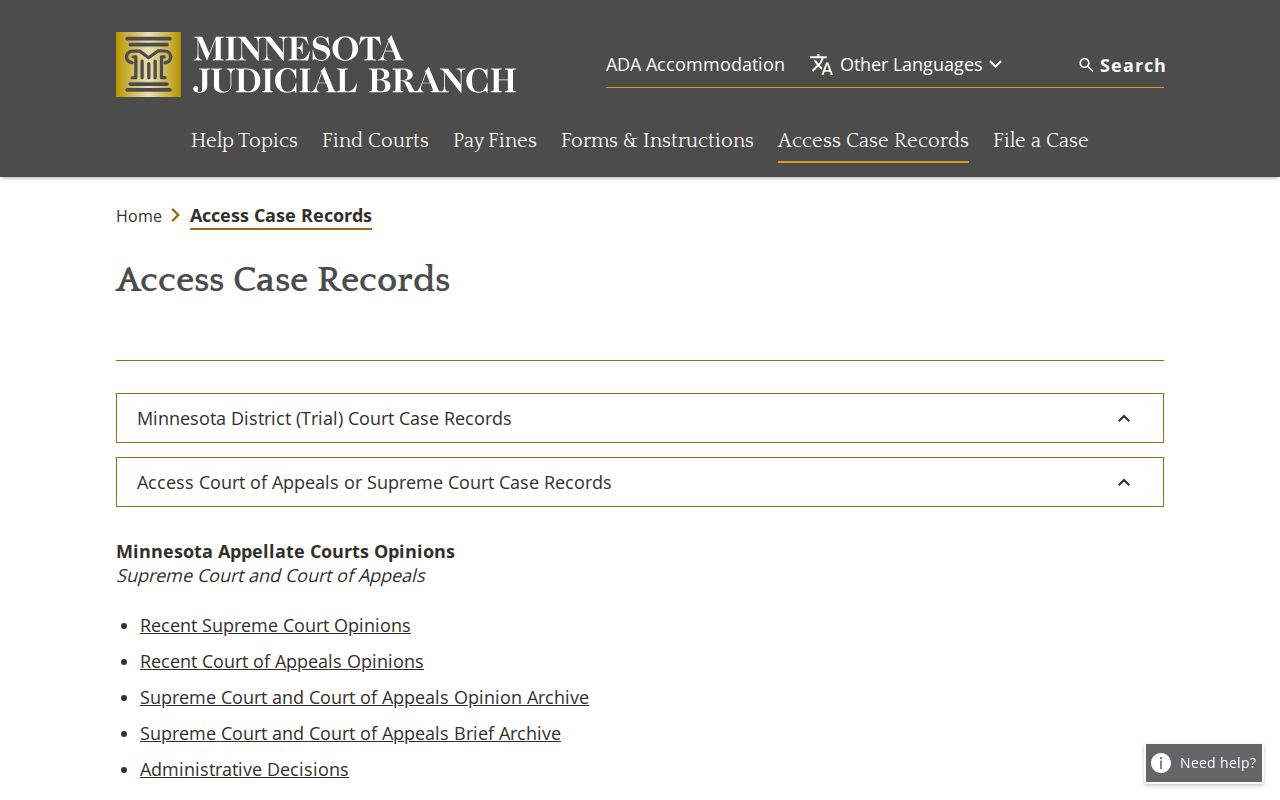
For a calendar question, use the terminal or the counter. Pair that visit with the current official schedule and the case-specific direction Court Administration provides for the docket.
Sherburne County Court Administration
13880 Business Center Drive NW, Suite 100
Elk River, MN 55330
763-284-7140
Local scheduling, case records, and public court-access questions.
What To Do If You Miss a Setting
Call Sherburne County Court Administration right away. Have the case number and current court information ready. A missing row on the daily calendar does not mean the hearing was cancelled, so don't treat a blank line as an answer. Third-party copies of a schedule are unreliable too. The right next step depends on the case and the court's current instructions. The official daily calendar, the MCRO record, courthouse displays, and the local office each supply a different piece of the confirmation you need.
Time-sensitive reminder: A missed setting can have case-specific consequences. Confirm the current record and Court Administration's instructions directly rather than waiting for an online calendar to update.
Sherburne Judicial Branch links to Hearing eReminders from its page. Verify enrollment and eligibility with current court information. The official schedule and court notice still control the hearing date.
Sherburne County Court Calendar Privacy
Public calendar access has edges. Some cases never show. Sherburne County's court says confidential and non-remotely accessible cases may be missing from the daily schedule, and Minnesota's access rules also curb remote display of protected identifiers. Don't repeat birth dates, addresses, phone numbers, financial-account information, juvenile identities, or unredacted party rows. A calendar search exists to find a court setting, not to build a public list of personal facts.
Keep the schedule apart from the Register of Actions. A listed hearing is one event in a case. It proves nothing by itself. It does not show that the proceeding occurred, resolve the legal question, or expose every filing in the court record. When the public schedule and record leave a real access question open, call Court Administration about the specific case.
Note: Public availability is not permission. It never authorizes bypassing restrictions or republishing protected information from a court record.